# How to Use
Qwen Image 2.1 supports text-to-image generation and image editing, using Qwen3-VL-8B as the text encoder and its own VAE.
## Download weights
- Download Qwen Image 2.1
- safetensors: https://huggingface.co/Comfy-Org/Qwen-Image-2.1/tree/main/diffusion_models
- gguf: https://huggingface.co/leejet/Qwen-Image-2.1-GGUF/tree/main
- Download vae
- safetensors: https://huggingface.co/Comfy-Org/Qwen-Image-2.1/tree/main/vae
- Download Qwen3-VL-8B-Instruct
- safetensors (BF16 or INT8 convrot): https://huggingface.co/Comfy-Org/Qwen-Image-2.1/tree/main/text_encoders
- gguf: https://huggingface.co/Qwen/Qwen3-VL-8B-Instruct-GGUF/tree/main
- For image editing with a GGUF text encoder, also download `mmproj-Qwen3VL-8B-Instruct-F16.gguf` from the same repository and pass it with `--llm_vision`.
Use `qwen_image_2.1_vae_bf16.safetensors` with this model. The earlier Qwen Image and Wan 2.2 VAE weights are not interchangeable with the Qwen Image 2.1 VAE weights.
## Examples
Run the following commands from the build directory. Use image dimensions divisible by 32. The resolution-dependent flow schedule is selected automatically.
### Text to image
```powershell
.\bin\Release\sd-cli.exe --diffusion-model ..\models\diffusion_models\qwen_image_2.1_int8_convrot.safetensors --vae ..\models\vae\qwen_image_2.1_vae_bf16.safetensors --llm ..\models\text_encoders\Qwen3VL-8B-Instruct-Q4_K_M.gguf -p "a lovely cat holding a sign says 'qwen2.1.cpp'" --cfg-scale 6.0 --sampling-method euler -v --offload-to-cpu -o qwen_image_2.1.png
```
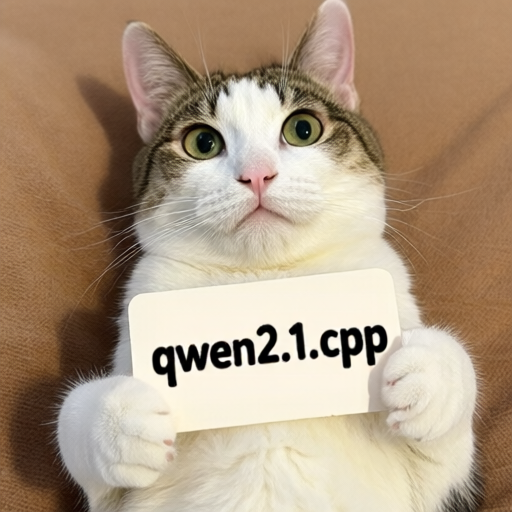 To use GGUF diffusion weights, set `--diffusion-model` to the path of a file such as `qwen_image_2.1-Q4_K.gguf`.
### Image editing
Pass the reference image with `-r` and describe the edit in `-p`. Vision weights are required; the example below loads them separately with `--llm_vision`.
```powershell
.\bin\Release\sd-cli.exe --diffusion-model ..\models\diffusion_models\qwen_image_2.1_int8_convrot.safetensors --vae ..\models\vae\qwen_image_2.1_vae_bf16.safetensors --llm ..\models\text_encoders\Qwen3VL-8B-Instruct-Q4_K_M.gguf --llm_vision ..\models\text_encoders\Qwen3VL-8B-Instruct-mmproj-BF16.gguf -r ..\assets\qwen\qwen_image_2.1.png -p "change 'qwen2.1.cpp' to 'sd.cpp'" --cfg-scale 6.0 --sampling-method euler -v --offload-to-cpu -o qwen_image_2.1_edit.png
```
For multiple reference images, repeat `-r` in the desired order, for example `-r first.png -r second.png`.
### Alpha channel
This model supports alpha channel output. As the model determines whether to output a regular image or with transparency through the prompt, according to [official recommendation](https://github.com/QwenLM/Qwen-Image-2.1#transparent-image-generation-rgba), use the following prompt format for better results:
> `This is an RGBA image with transparency. . The image has alpha channel and the background is transparent.`
Since transparency is decided by the prompt rather than by the input or an explicit switch, the same format applies equally to editing, whether or not the reference image itself has an alpha channel. Note that alpha is kept only in `.png` and `.webp` outputs; saving as `.jpg` drops the transparency.
Here are some examples ran with Q6_K quantization:
| Input | Prompt | Output |
| --- | --- | --- |
|  | This is an RGBA image with transparency. Replace the text "BLOOM" with "Qwen Image 2.1", keeping the same font of the original text. The image has alpha channel and the background is transparent. | 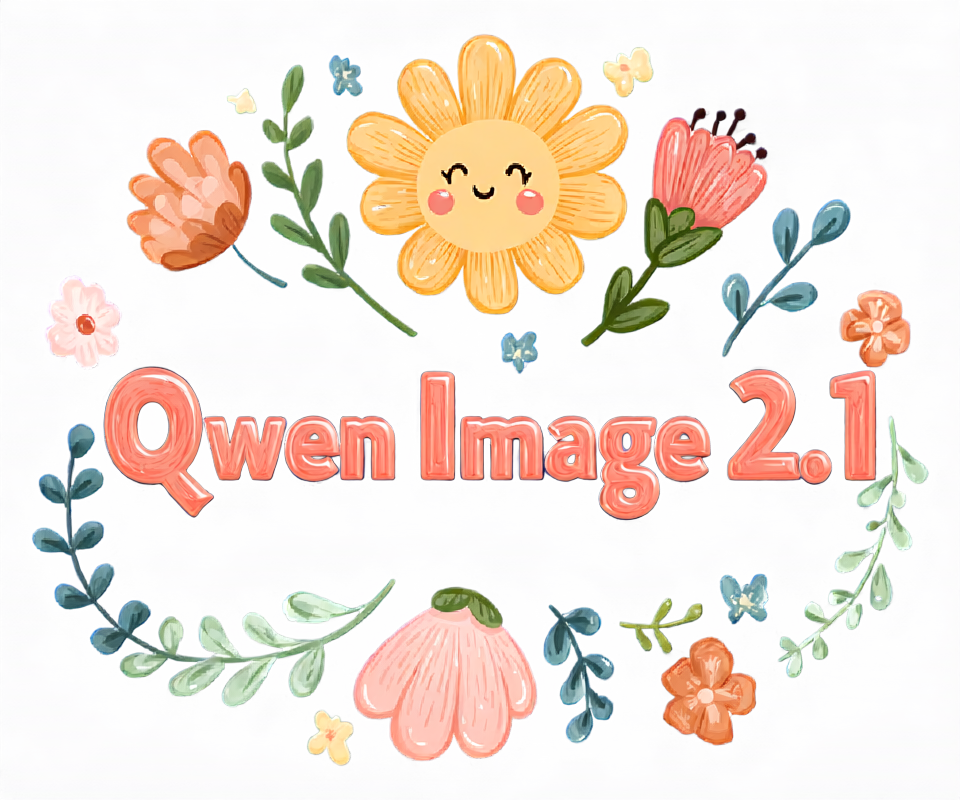 |
| 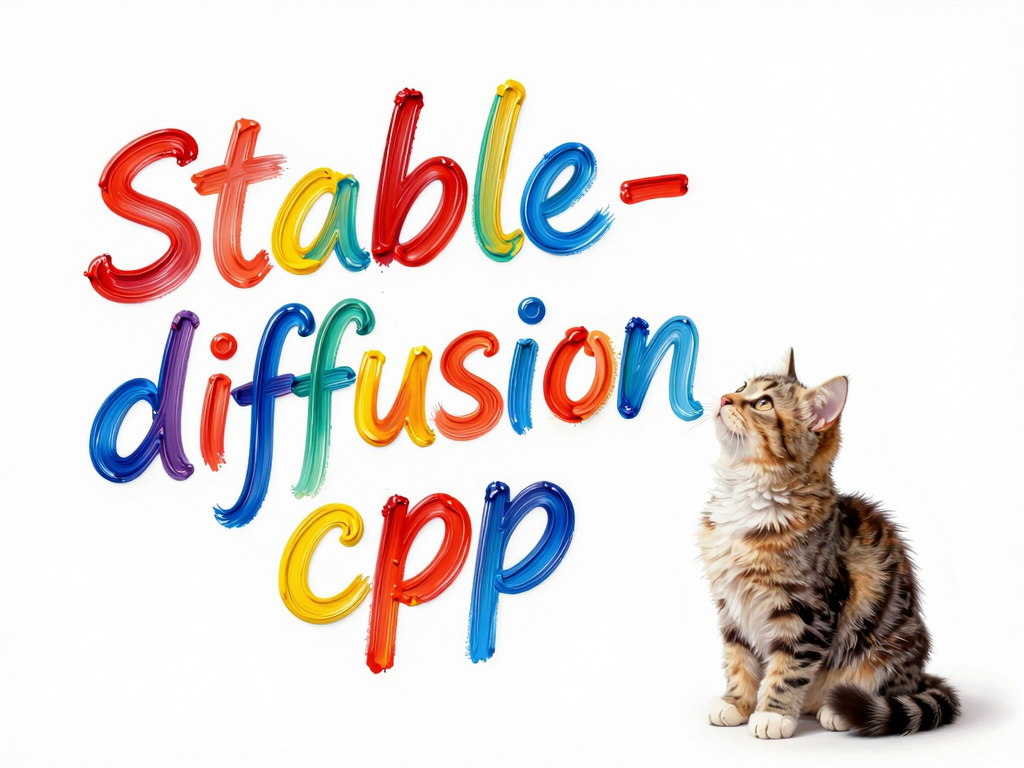 | This is an RGBA image with transparency. Remove the background of the image, keeping only the text and cat. The image has alpha channel and the background is transparent. | 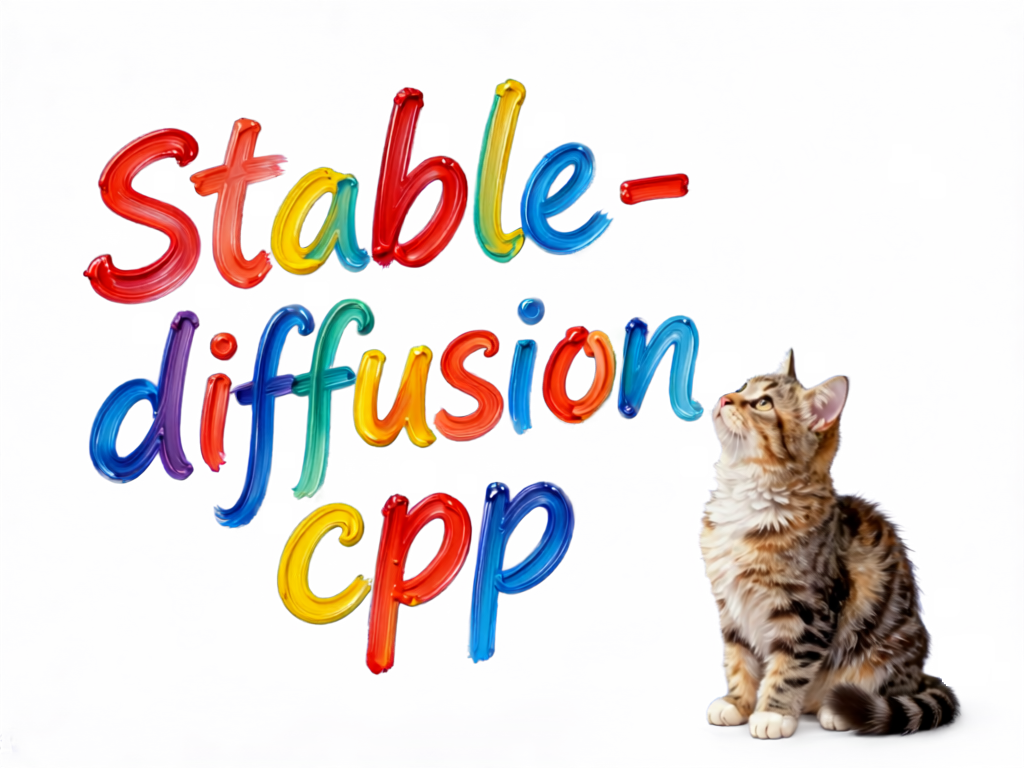 |
### Other features
Other features of the model could be found on the [model card from QwenLM/Qwen-Image-2.1 repo](https://github.com/QwenLM/Qwen-Image-2.1), including 2 finetuned prompt rewriting Qwen3.5-9B model.
To use GGUF diffusion weights, set `--diffusion-model` to the path of a file such as `qwen_image_2.1-Q4_K.gguf`.
### Image editing
Pass the reference image with `-r` and describe the edit in `-p`. Vision weights are required; the example below loads them separately with `--llm_vision`.
```powershell
.\bin\Release\sd-cli.exe --diffusion-model ..\models\diffusion_models\qwen_image_2.1_int8_convrot.safetensors --vae ..\models\vae\qwen_image_2.1_vae_bf16.safetensors --llm ..\models\text_encoders\Qwen3VL-8B-Instruct-Q4_K_M.gguf --llm_vision ..\models\text_encoders\Qwen3VL-8B-Instruct-mmproj-BF16.gguf -r ..\assets\qwen\qwen_image_2.1.png -p "change 'qwen2.1.cpp' to 'sd.cpp'" --cfg-scale 6.0 --sampling-method euler -v --offload-to-cpu -o qwen_image_2.1_edit.png
```
For multiple reference images, repeat `-r` in the desired order, for example `-r first.png -r second.png`.
### Alpha channel
This model supports alpha channel output. As the model determines whether to output a regular image or with transparency through the prompt, according to [official recommendation](https://github.com/QwenLM/Qwen-Image-2.1#transparent-image-generation-rgba), use the following prompt format for better results:
> `This is an RGBA image with transparency. . The image has alpha channel and the background is transparent.`
Since transparency is decided by the prompt rather than by the input or an explicit switch, the same format applies equally to editing, whether or not the reference image itself has an alpha channel. Note that alpha is kept only in `.png` and `.webp` outputs; saving as `.jpg` drops the transparency.
Here are some examples ran with Q6_K quantization:
| Input | Prompt | Output |
| --- | --- | --- |
|  | This is an RGBA image with transparency. Replace the text "BLOOM" with "Qwen Image 2.1", keeping the same font of the original text. The image has alpha channel and the background is transparent. |  |
|  | This is an RGBA image with transparency. Remove the background of the image, keeping only the text and cat. The image has alpha channel and the background is transparent. |  |
### Other features
Other features of the model could be found on the [model card from QwenLM/Qwen-Image-2.1 repo](https://github.com/QwenLM/Qwen-Image-2.1), including 2 finetuned prompt rewriting Qwen3.5-9B model.